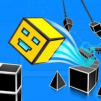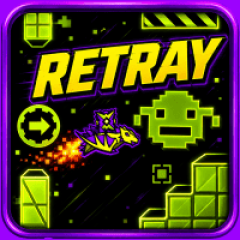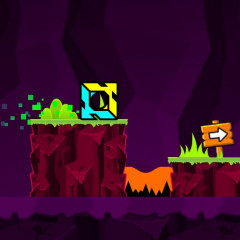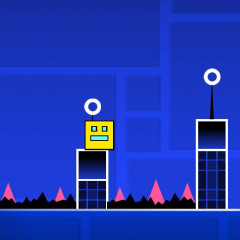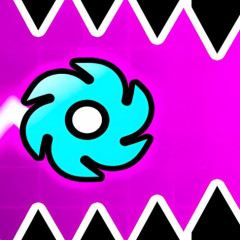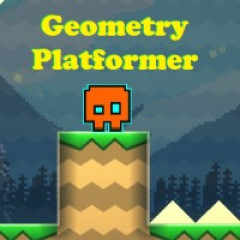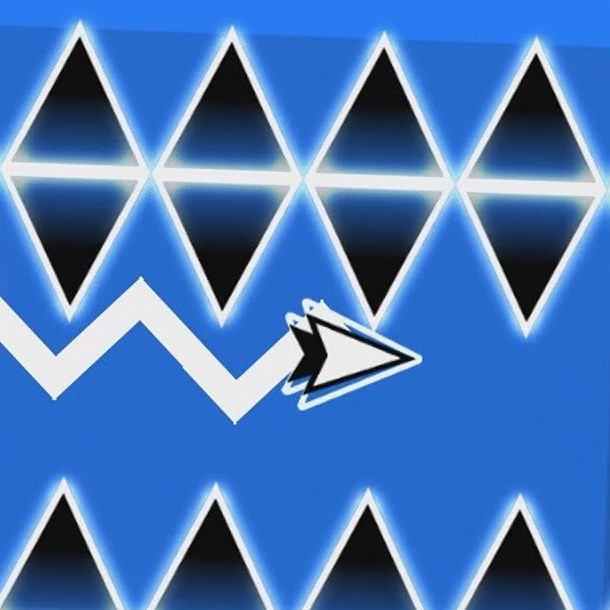
Challenge yourself and play Geometry Dash Retray for free now! Try to navigate through various obstacles, conquer speed shifts, and collect three coins.
Before attempting to master every section, it helps to understand what you are actually trying to accomplish. The level can be viewed as two separate challenges: completing the route and collecting its hidden rewards.
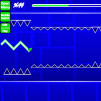
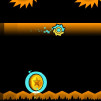
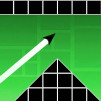
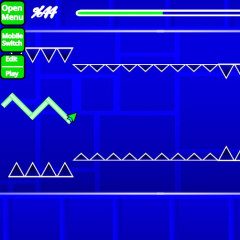
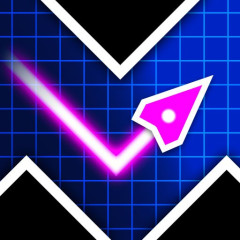
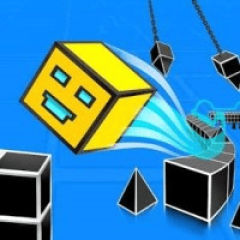
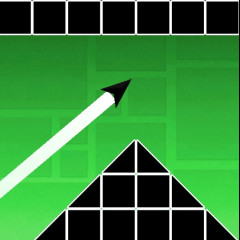
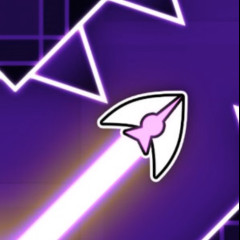
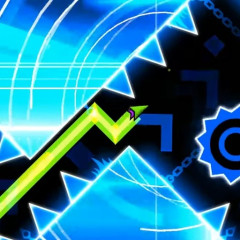
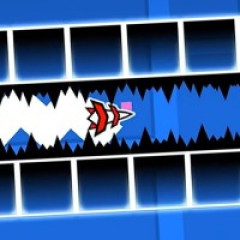
The level starts at 0% with a half-speed cube sequence that runs until 15%, showing an 8 Bit Game to match the retro theme. Because it's slow, you can build the right jump rhythm before gameplay changes. At 15%, you switch to a ship until around 30%, adding randomly flashing squares. This part emphasizes controlling vertical movement rather than timing jumps. From 30 to 45%, the game becomes a UFO sequence with obstacles synced to the beat, so rhythm helps you anticipate taps. From 45 to 60%, you play as a ball with vibrating platforms and gravity-based movement and focus on how your actions change gravity and where you'll land. At 60%, you return to ship controls, but with major speed pressure, switching between normal and quadruple speed, leaving less time to correct mistakes. At 80% and 95%, you become a wave, moving at double speed with flashing arrows and a decorative click counter. From 95% to 100%, you enter an automatic UFO leading into the finish: a heart-shaped coin and the message THANKS FOR PLAYING. Reaching 100% completes your first mission.
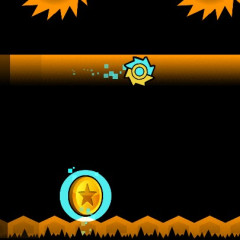
The second mission is more demanding because the three coins are not simply placed along the safest route. Each coin requires you to perform a particular action.
Collecting all three coins transforms a basic completion into a more thorough challenge. You are learning the intended routes and exploring details that can easily be overlooked.
Game control: Left mouse or W key = Jump or fly up.
Like Geometry Dash Spam, this game also features two game modes. Normal Mode is the standard way to play Geometry Dash Retray. When you click the Play button, you begin the level in Normal Mode. There are no convenient checkpoints protecting your progress during the run. If you hit an obstacle, your attempt ends and you return to the beginning. This makes Normal Mode the best test of whether you have genuinely learned the complete level. Normal Mode should be your final test after you have learned the individual sections. Instead of using it exclusively for learning, use it to measure whether your practice has become reliable. If you can repeatedly complete the difficult ship and wave sections in Practice Mode but cannot reproduce them in Normal Mode, the issue may be consistency rather than understanding. That distinction is useful because it tells you what to work on next.
Practice Mode gives you a safer environment for learning Geometry Dash Retray gameplay. You can select Practice Mode through the settings, where checkpoints become available. When you press the Z key, you can place gems that act as checkpoints. If you later collide with an obstacle, you return to the nearest checkpoint instead of restarting the entire level. This is especially valuable when you reach a difficult transition that appears late in the stage. Practice Mode is also useful for the three hidden coins.